PacketSnitch

Overview
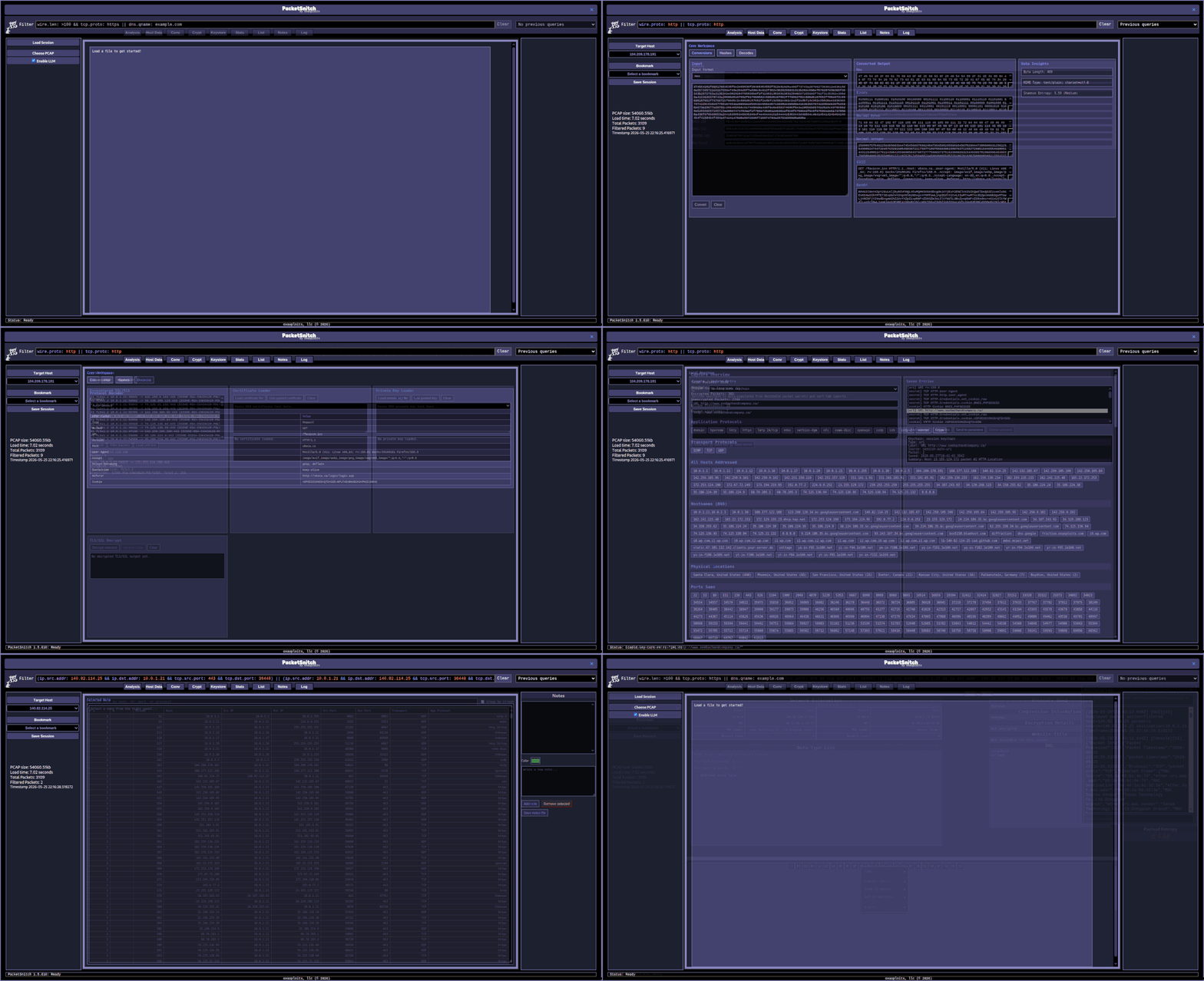
PacketSnitch is a network packet analysis tool consisting of a Python backend for extracting payloads and rich metadata from .pcap files, and an Electron-based frontend for browsing, filtering, and visualizing the results.
Screenshot
Documentation
- Backend Documentation — Python backend (
snitch.py): usage, arguments, output structure, and the full list of searchable attributes produced in the JSON output. - Frontend Documentation — Electron frontend: UI output frames, query box, and data type conversions.
- Filter Reference — Complete guide to the filter bar: all filter keys, search syntax, operators, boolean combinators, and examples.
Quick Start
Download – grab the latest prod release:
The latest release can be found on the releases page.
OR…
Build – build it from source code:
- Clone the repository, this can be done via:
git clone https://github.com/oxasploits/PacketSnitch.git. - Move into the PacketSnitch direcotry:
cd PacketSnitch. - Use NPM to install build dependancies:
npm install. - If on Linux (specifically Fedora) run:
npm run patch-rpm-build. - Build the project, this compiles the backend and frontend:
npm run make. - You can now launch the dev version using:
npm start! - Note: The installer is also packaged at:
./out/make/*
Install – install the package:
Linux:
sudo dnf install ./out/make/*/packetsnitch-*.rpm  # redhat/centos/fedora
sudo apt install ./out/make/*/packetsnitch-*.deb  # debian/kali/ubuntu
Windows:
Click: PacketSnitchInstaller.exe
Launch — launch the desktop app:
packetsnitch                      # Linux
packetsnitch.exe (or click)       # Windows
Load a pcap or pcapng file, and start analyzing!
License
GPL v3
Author
Marshall Whittaker marshall@oxasploits.com
Thanks / Contibutions
- blissfulboy (frontend design suggestions and feedback)
- kusanagi (frontend feedback and some sponsorship stuff)
- Martin Ollivere (Rat on wheel spinning gif)
- tiamo64 (Performance optimizations)
- Everyone else who has tested or contributed in some way, big or small, thank you!
Sponsors
If you sponsor PacketSnitch, your name and a link of your choice will be added here!